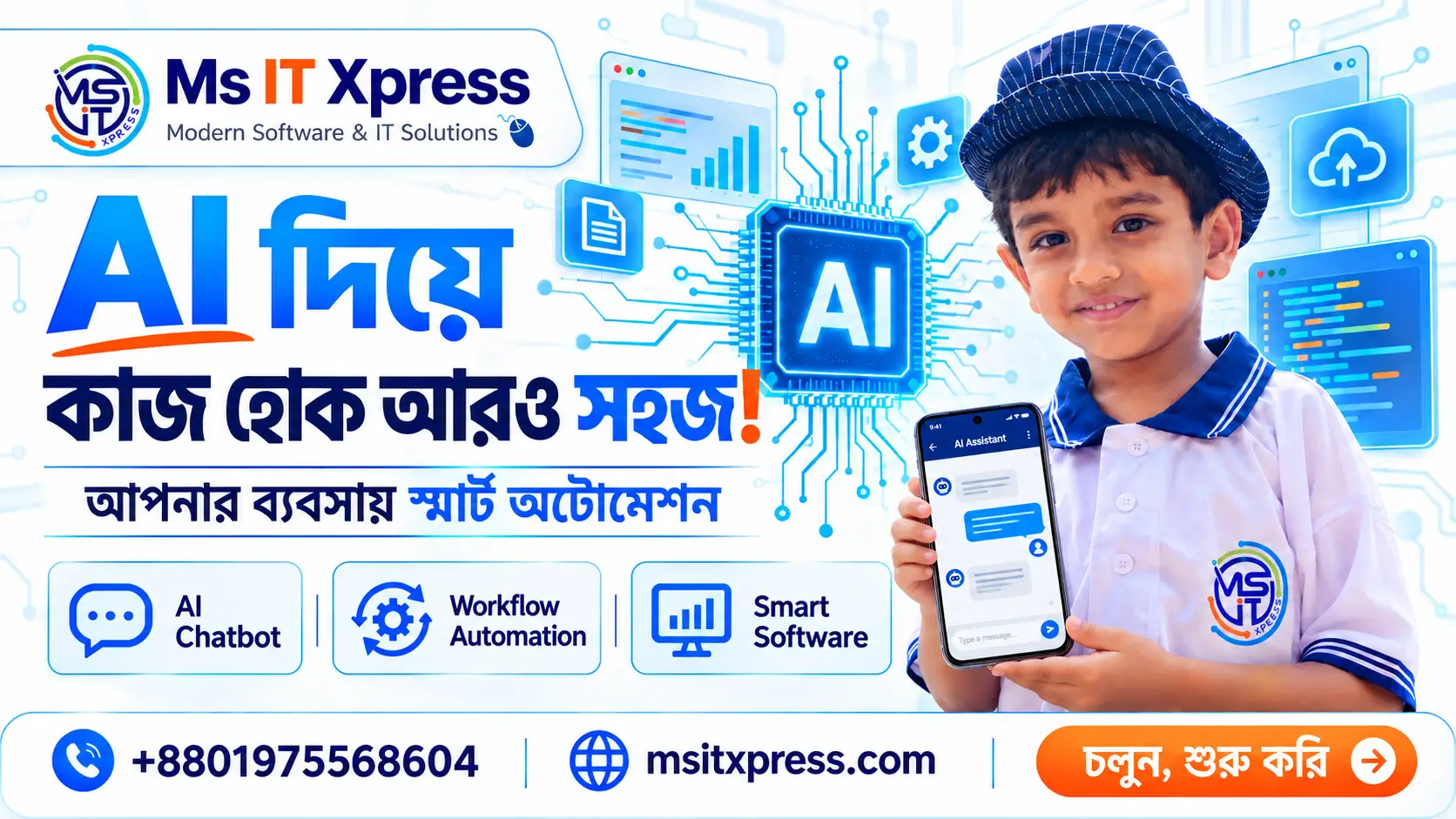
AI Systems Engineering: Smarter Support and Automation for Your Business
Customers ask questions through your website and social channels, while your team handles orders, documents and reports. AI can support these everyday workflows when it connects to the information and software your business already uses. This article summarises the use cases and priorities outlined in the public description of Ms IT Xpress's AI Systems Engineering video, embedded below.
Connect AI to the work your team already does
The approach described in the video is to connect AI to an existing ERP, POS, website or Facebook page. Replacing your current software is not the starting point. Instead, the goal is to make AI part of the workflow your team already uses, with a custom setup for the needs of the business.
Where AI can help
- Customer support: chatbots that communicate in Bangla and English.
- E-commerce assistance: help customers find products, check prices and place orders.
- System integration: connect AI to ERP, POS, websites and Facebook pages.
- Document processing: workflows involving contracts, reports, invoices, CVs and forms.
- Reporting and analytics: automate reporting tasks and build custom AI workflows around business needs.
Support across the channels customers use
The video description lists Facebook pages, WhatsApp, websites and Instagram as channels for the AI system. The aim is to bring the same AI support to the places where customers contact you. The channels and integrations needed for a particular business should be agreed during planning.
Keep data control and accountability in the plan
A working answer is only part of an AI system. The video description also asks where data goes, who can access it and why a particular answer was given. It describes choosing where data is hosted, running the system on your own server when needed, and keeping records of questions and responses.
For your project, turn those priorities into clear requirements: which data AI may use, who may access it, what should be logged and which actions need a person's review. These are planning considerations, not a claim that every deployment has the same controls.
Help the team focus on work that needs people
The central message is that AI supports the team. Repetitive and time-consuming tasks can be assigned to AI so people can focus on work that needs their attention. The description does not promise a specific percentage of savings or a guaranteed growth rate; the outcome depends on the workflow and implementation.
What to prepare before discussing an AI project
As a practical next step, write down the repetitive task you want to improve, the channels customers use, your current software and where the relevant data lives. Also decide when a team member should take over. This gives the first discussion a concrete scope instead of a broad request to add AI everywhere.
Watch: AI Systems Engineering for Your Business
Watch on YouTubeFree tools for this
Plan an AI workflow for your business
Tell us about your current software, customer channels and the task you want to simplify.
Book a free consultation